
71%tested
- Physics
- 78%
- Chemistry
- 64%
Syllabus coverage
See how many syllabus topics your published tests have covered, subject by subject, and what hasn't been tested yet.
Before the exam
On exam day
Explore more
Explore more
AI digitises your old papers, files them into your own question bank, and runs the exam on your campus network. Students see your college's name and logo on every screen.
Built for the exams your students actually sit
Trusted by colleges
and institutes




14. A body is projected at 30° to the horizontal with a speed of 20 m s−1. Its maximum height is (g = 10 m s−2)
(1) 5 m(2) 10 m(3) 15 m(4) 20 m
Q14. A body is projected at 30° to the horizontal with a speed of 20 m s−1. Its maximum height is
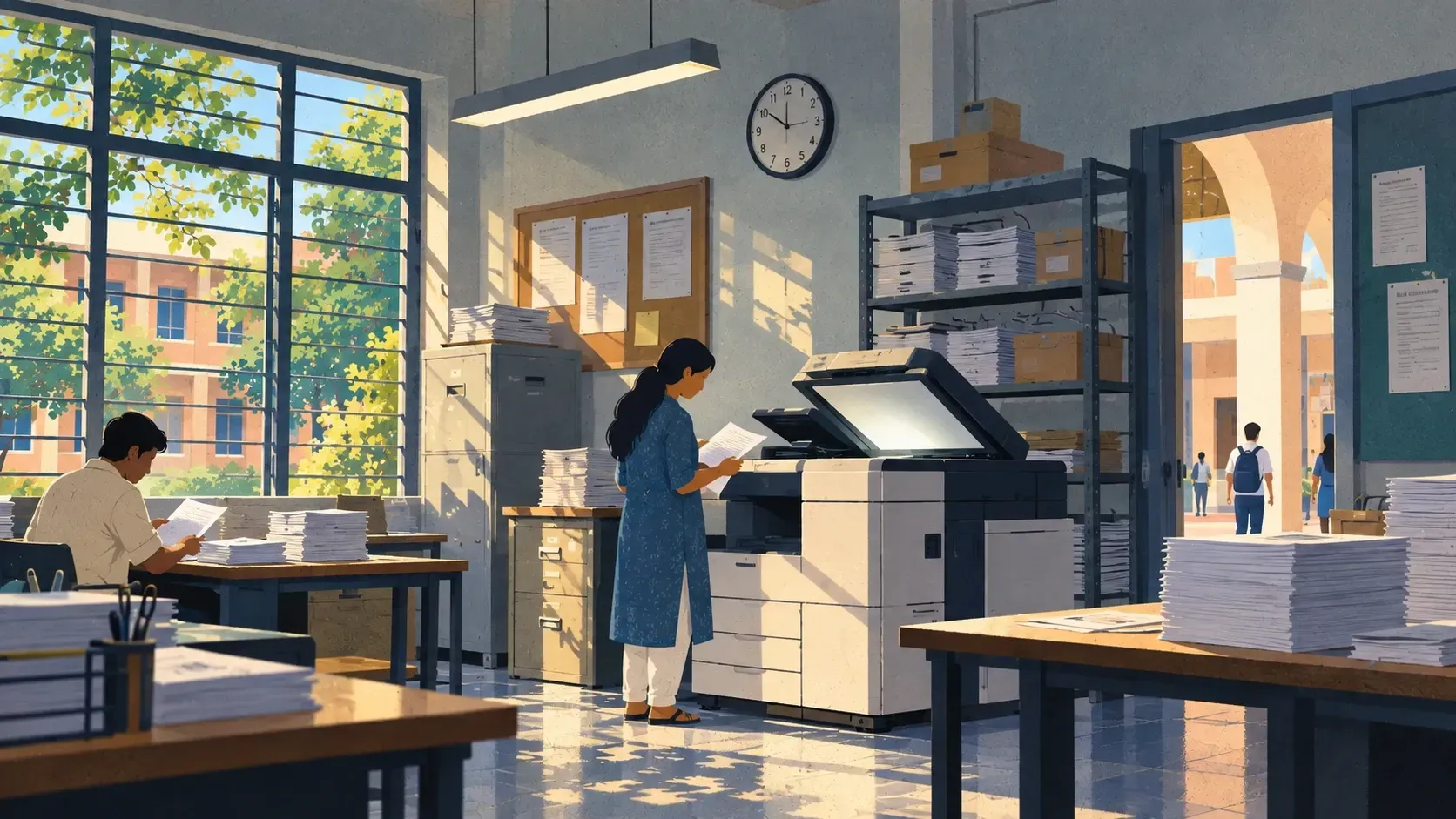
Four jobs that used to take your staff a week each.
A body is projected at 30° with a speed of 20 m s−1. Its maximum height is
Scan or upload a PDF. AI reads every question, crops the diagrams and tags it to the syllabus.

Every paper you digitise builds your college's own bank, visible only to your staff. Add from the 45,000+ question ready bank when you need more.
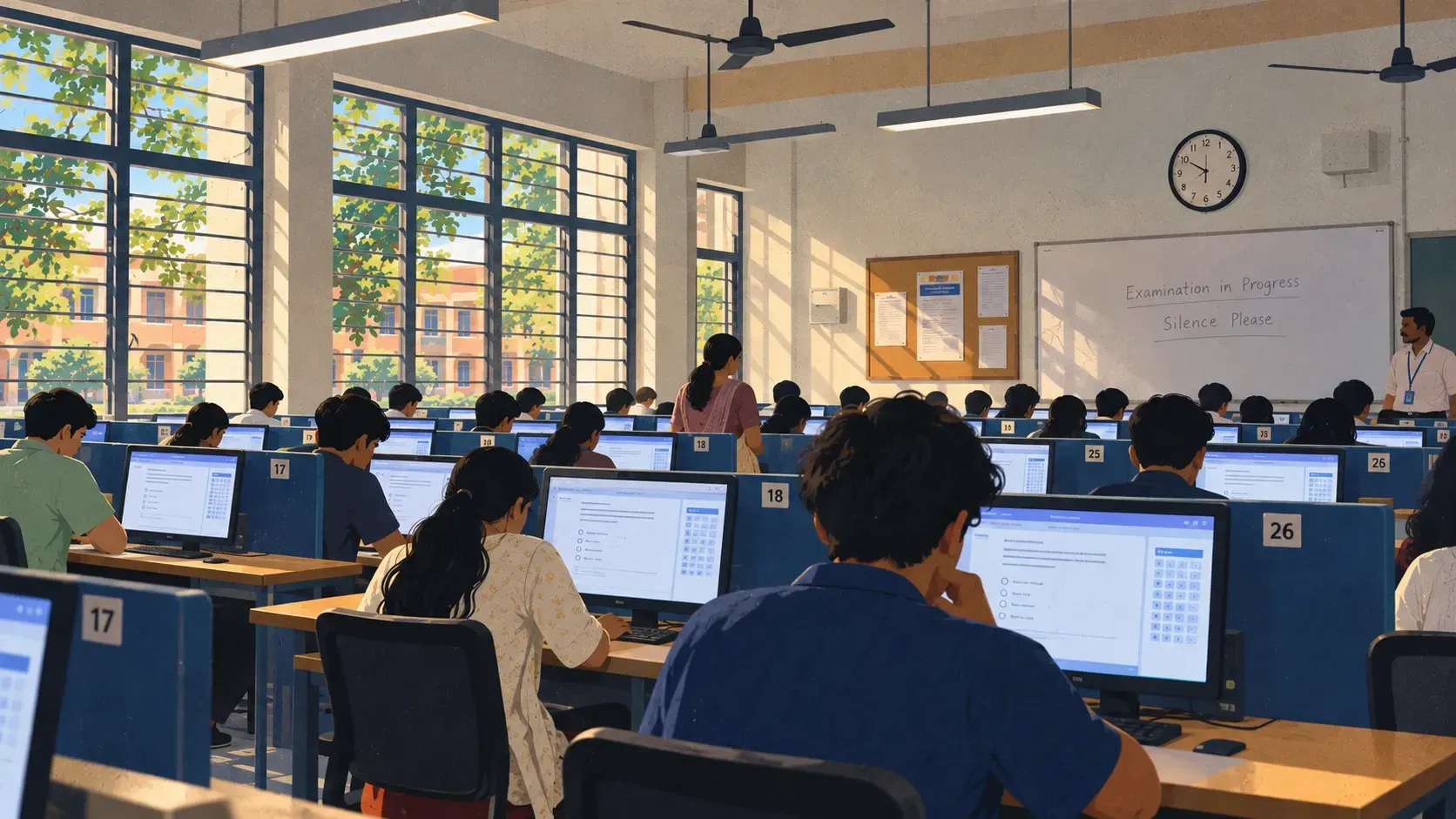
No server and no new hardware. One Windows PC already in your lab runs the whole room, and the exam carries on when the internet doesn't.

Class analytics, student performance profiles and exports in Excel or PDF arrive the moment the last student submits.
Turn old papers into tagged questions, then pick from your bank or let Webodhi build the test from a chapter and difficulty blueprint.
Online, on OMR paper or over the campus network, with shuffled papers per student. Schedule it ahead and it opens and closes on time.
Negative marking applied, ranks computed and every student's report ready to share.
Questions to reteach, the wrong options students chose and chapter accuracy show exactly what to revise before the next test.
| Chapter | Easy | Medium | Hard |
|---|---|---|---|
| Kinematics | 6 | 8 | 4 |
| Laws of Motion | 5 | 7 | 3 |
| Electrostatics | 4 | 6 | 5 |
| Current Electricity | 4 | 5 | 3 |
Install the Webodhi Exam Hub on any Windows PC in the lab. That's the whole setup.
On any Windows PC in the lab. No server, no new hardware.
Student devices on the same network connect on their own and take the paper in the browser.
Results upload to Webodhi when the internet comes back.
Nobody else can see or reuse your questions.
Answers recover after a crash and submit exactly once.
The hall keeps running on a PC you already own.
The team that builds Webodhi helps you set up.
Analytics at institution, department, class and student level, for KCET, NEET, JEE or all tests together.
Every department and subject at once
See how many syllabus topics your published tests have covered, subject by subject, and what hasn't been tested yet.
Highest and lowest averages, highest and lowest attendance, for the institution, a department or a single class.
Each test against the class's track record
Compare each class's average on this test with its track record, so a dip shows up early.
Correct, wrong and skipped answers split by easy, medium and hard questions.
Where each student stands, and why
Spot missed questions that took far longer than usual, and wrong answers that were rushed.
Each student's position in the class, department and institution, with where they sit in the top percent.
Illustrative data.
Generic test tools were not built for KCET, NEET and JEE Main classrooms. Read the full comparison
| Capability | Generic quiz tools |  Webodhi Webodhi |
|---|---|---|
| Before the exam | ||
| Turns scanned papers into tests, diagrams and all | No | Yes |
| A private question bank that belongs to your college | No | Yes |
| Questions tagged chapter by chapter, with KCET, NEET and JEE Main presets | No | Yes |
| On exam day | ||
| Runs a full exam hall without internet, a server or new hardware | No | Yes |
| NTA-style JEE Main exam screen | No | Yes |
| Submissions that survive crashes and never duplicate | No | Yes |
| After the exam | ||
| OMR paper exams and online exams in the same results | No | Yes |
| Shows which questions to reteach and flags a wrong answer key | No | Yes |
| Built for KCET, NEET and JEE Main classrooms | 0/8 | 8/8 |
The small things that make test week calmer.
Online, on Webodhi OMR sheets printed with your college name, or over the campus network. Same test, same results.
Students practise on a screen that behaves like the NTA computer-based test.
Choose chapters, topics and an easy, medium and hard split, and Webodhi builds the test from your bank.
Combine chapter tests into one mock. Duplicate questions are removed and the time adds up.
Replace any question with another from the same chapter, or show previous-year questions only.
Set the exam window and publish to the right classes. Show results instantly, after the window closes, at a set time, or only when you release them.
Questions are shuffled per student within each subject, so neighbours don't share a sequence.
Leaving the exam window on a laptop earns a strike; phones get a warning.
Answers save as they're marked, recover after a crash and submit exactly once.
Export a question paper and answer key as PDF, and adjust the layout before printing.
Detailed report after every test, bookmarked questions with explanations, and test feedback.
Departments and classes, bulk student import from Excel, logins shared over WhatsApp or SMS.
Two plans. Small colleges can pay per exam; everyone else pays one price per student a year for unlimited exams. No share of your fees, and a 14-day free trial.
₹2/student per exam, online or offline
₹100/student a year
All prices in Indian rupees and exclude 18% GST. Unlimited is billed for at least 400 students.
Teaching on your own, running tuition or a small batch? Get your own Webodhi workspace: digitise old question papers with AI, build new tests and print them with answer keys, from ₹299 a month.
Yes. Upload scans or PDFs and Webodhi's AI digitises the questions, options and answers, crops diagrams from the scan, renders equations, and tags each question by chapter, topic and grade. You review and publish.
Yes, two of them. Every paper you digitise and every question you write goes into your college's own private bank, which only your staff can see and which stays with you for later exams. Alongside it there is a ready-made bank for Physics, Chemistry, Maths and Biology. You can filter by chapter, topic, difficulty and question type, or show previous-year questions only.
No. Questions you digitise or write are stored in your institute's private bank and are only visible to your own staff. They are never shown to or shared with other colleges, and they stay available for every future test you build.
No, and no new hardware either. The Webodhi Exam Hub installs on any Windows PC you already have. Student devices on the same local network connect to it automatically, and results upload to Webodhi when the internet is available.
Answers are saved in the browser as the student works. When they reopen the test, their attempt is recovered, and retries after a network drop are submitted only once.
Class average and attendance for each class, historical averages, topic-wise and difficulty-wise performance, and a report for every submission with accuracy, completion, time taken, question pacing and the chapters to review. Teachers also get a list of questions to reteach with the wrong option most students chose, and a "Check key" flag when the answer key may be wrong. Institution analytics add syllabus coverage and leaderboards.
Yes. Choose from a results spreadsheet, detailed results workbook, subject-wise marksheet (PDF), subject-wise marks list, attendance sheet or a ZIP of individual student reports. Select departments and classes, choose one combined sheet or a sheet per class, and preview the file before downloading.
Yes. Each has its own exam-pattern preset, questions are tagged chapter by chapter, JEE Main has an NTA-style exam screen, and the Physics, Chemistry, Maths and Biology banks cover NEET practice.
Yes. Export any test as a PDF question paper and answer key, and print Webodhi OMR answer sheets with your college name and scan them so paper and online results sit together.
There are two plans. Unlimited: ₹100 per student a year for unlimited exams (fair use: up to 100 per student a year) and the full question bank, with lower rates for larger colleges (₹90 for students 1,001–2,000 and ₹80 above that). It is billed for at least 400 students, so it starts at ₹40,000 a year. Starter: colleges with up to 400 students can instead pay ₹2 per student per exam, never more than ₹10 per student a month. Prices exclude 18% GST.
Yes. Unlimited can be paid monthly at ₹10 per student a month, starting at ₹4,000 a month, or yearly to get two months free. It starts with a 14-day free trial. Pay-per-exam colleges top up a prepaid wallet from ₹1,000, and the balance stays valid for 12 months.

Book a demo and we'll show you how it becomes a live exam, with or without the internet.